
1. Log in to your INTIX Account
AU - intix.com.au
NZ - intix.co.nz
UK - intix.co.uk
US - intix.com
2. Host An Event > Select Event > Tickets
3. Select the three dots on the right of the Ticket Type, select EDIT
4. Select Add/Remove Units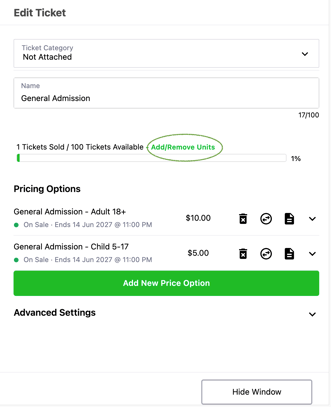
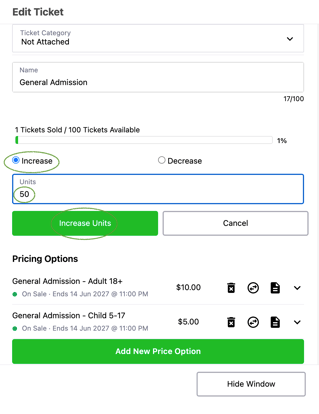
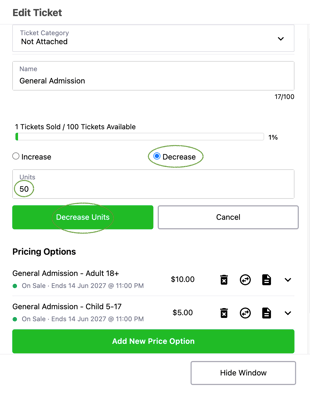
5. Select Increase or Decrease
6. Enter Units you want to increase or decrease by ie. if you have 100 units and want to make it 150, increase by 50.
7. Select Hide Window to exit
Increase Units
Decrease Units
Questions? Email your Account Executive or help@intix.com