
If you need to discount a membership price for an individual member, you can manually update the amount owing for their Unpaid Order in their Member Profile.
Login to INTIX:
AU - intix.com.au
NZ - intix.co.nz
UK - intix.co.uk
US - intix.com
> Membership Settings > Members Listing > Search Member by email or name
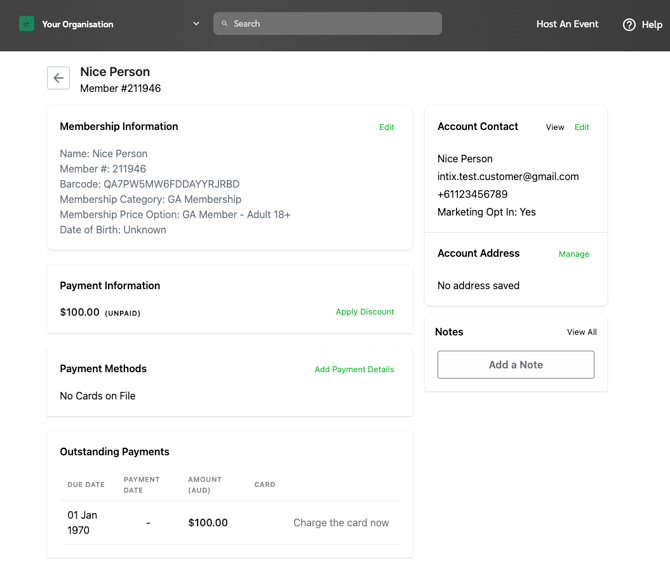
In the membership record, you'll see their information, including the amount owing on the Unpaid Order.
Click "Apply Discount":
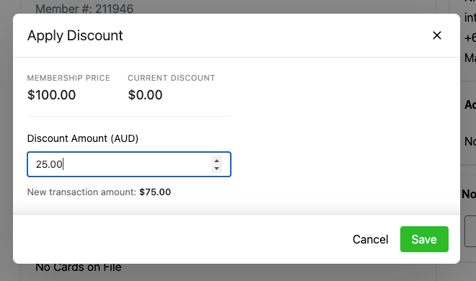
Enter amount to discount from the membership price option, click Save:
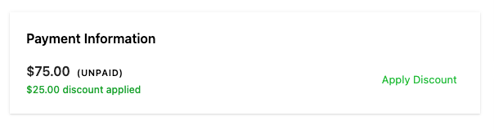
The new amount will be displayed as Unpaid, with the discount applied shown:
Questions? Email your Account Executive or help@intix.com.